
Automatically Add Clients with Square Integration
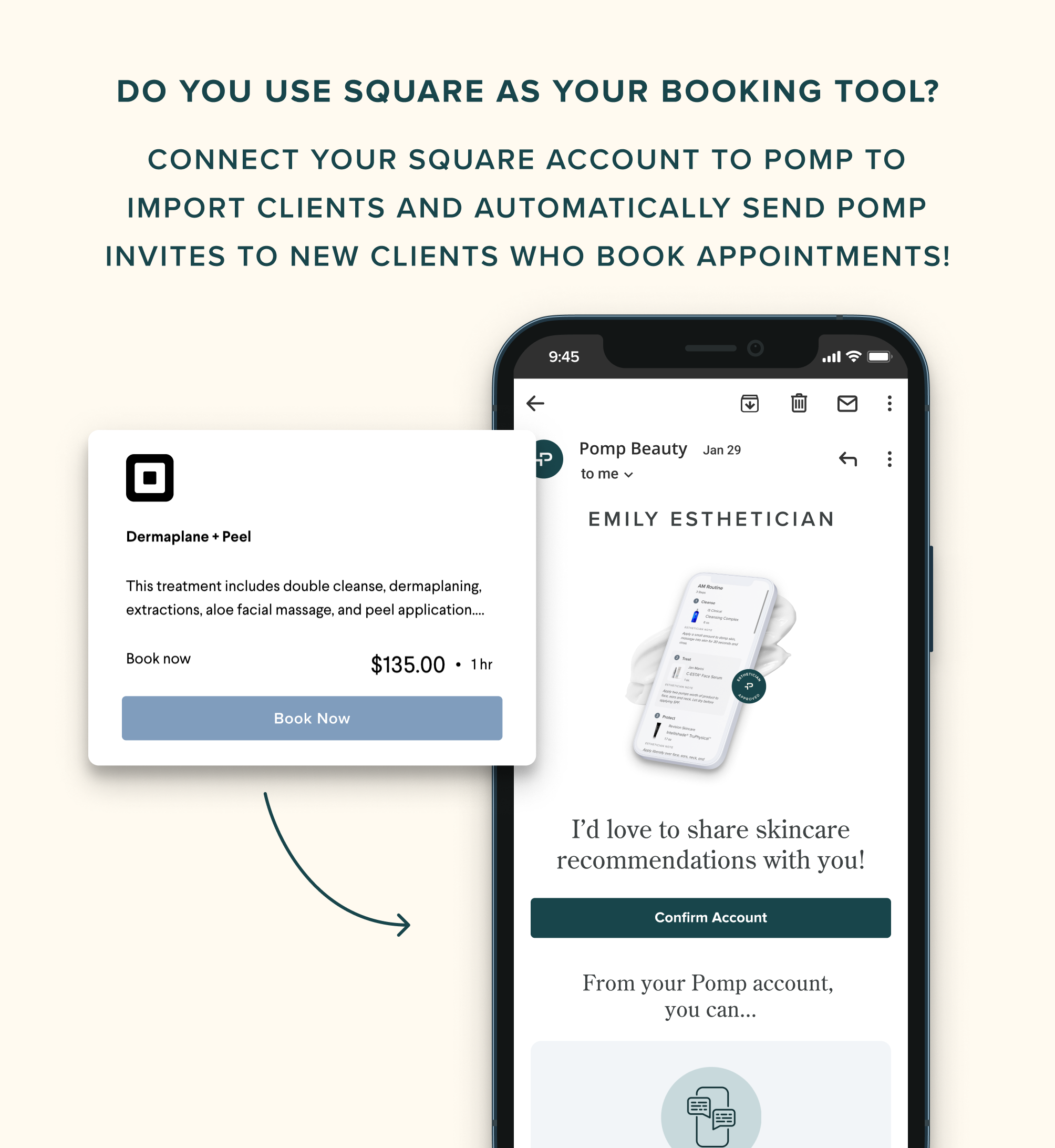
Connect your Square account to Pomp in order to import clients and automatically send Pomp invites to new clients who book appointments!
Connecting Your Square Account
Navigate to Profile Settings > Integrations and click “Connect.” You’ll be taken to Square where you can confirm the connection to your Pomp account. When you return to Pomp, you’ll see two optional import paths:
Import all clients: this will import every existing client in your Square account
Import clients with appointments in the last 2 weeks and next 1 week: this will only import clients you’ve seen recently or will see in the next week.
You can also tap “Skip” if you don’t want to import any existing clients.
Removing Your Square Account
Navigate to Profile Settings > Integrations and click “Remove.” This will stop sending Pomp invites to any new clients that book through your Square site.