
Make it yours: your storefront, your brand
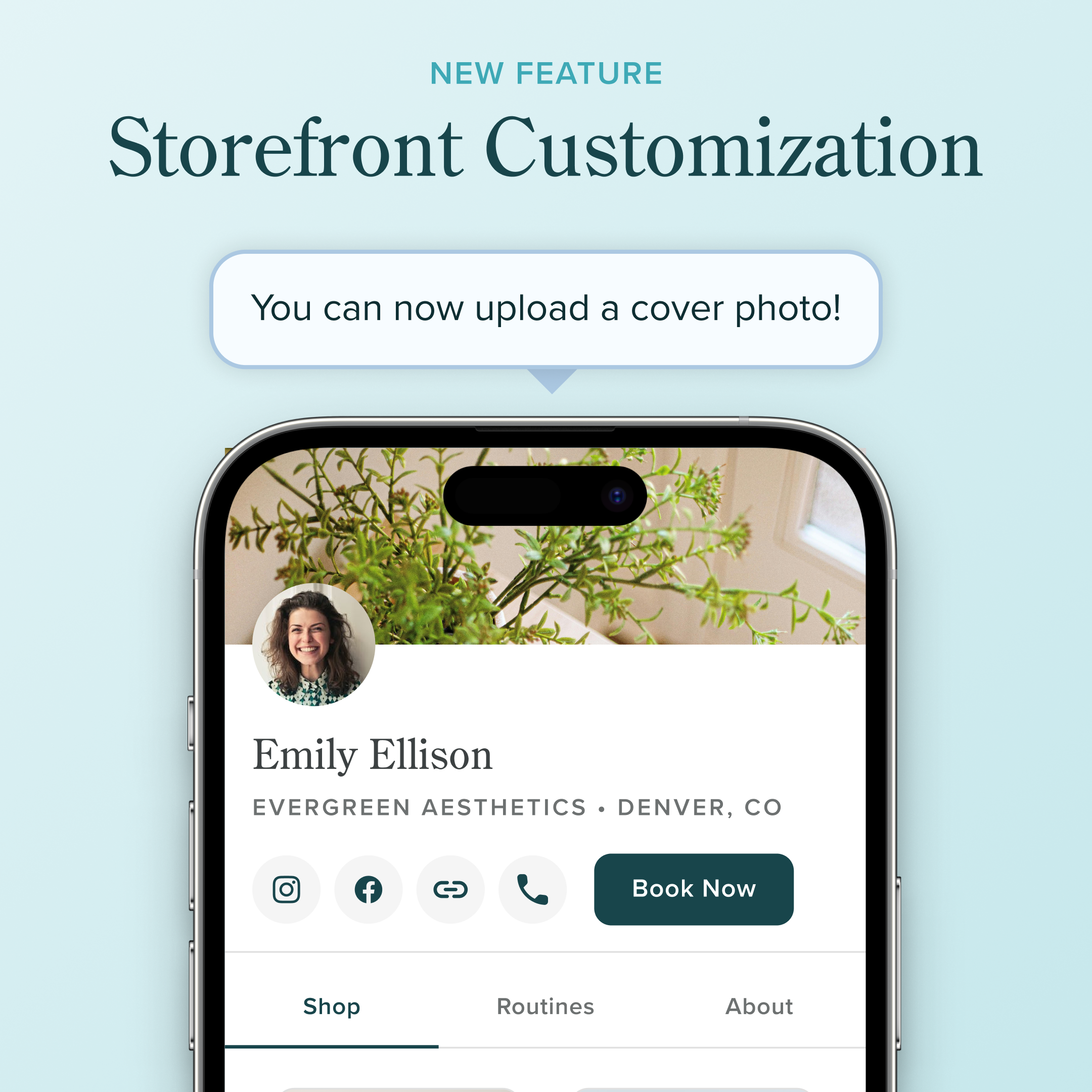
Your storefront is often the first thing a new client sees — and now it can actually look like you. Introducing a new way to customize your storefront with a cover photo or brand color.
What's new
Upload a cover photo. Show off your space, your work, or a vibe that fits your brand. It sits front and center at the top of your storefront, so first impressions feel intentional.
Or, pick your brand color. Choose a color that matches your aesthetic.
How to set it up
1. Navigate to My Storefront.
2. Tap Edit.
3. Upload a cover photo (we recommend 1440 x 153 or have a ~9.4:1 aspect ratio).
4. Alternatively, pick your brand color — or paste in a hex code if you have one.
5. Preview, then hit Save.
That's it. Your storefront updates instantly, and you can swap things out any time.
Ready to make it yours?