
Import your Vagaro or GlossGenius client lists
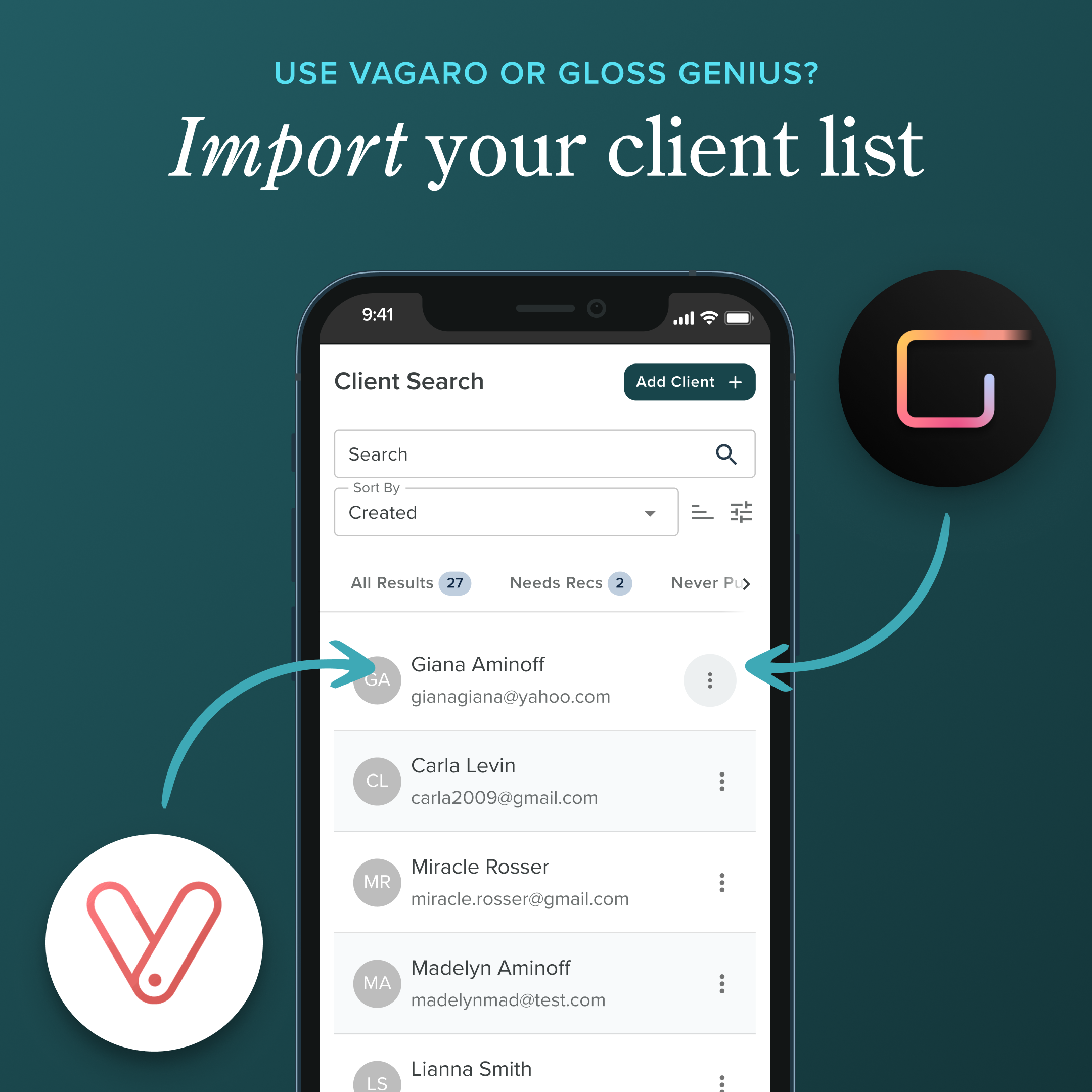
Do you use Vagaro or GlossGenius? You can now import your clients to Pomp!
Export → Upload → Done. Pull your client list from GlossGenius or Vagaro, upload it to Pomp, and watch us bring everyone in automatically. No manual typing. No copy-paste headaches.
Smart duplicate detection. Already invited some of these clients? We flag them so you don't send double invites. You'll see exactly who's new and who's already synced.
Pick and choose. Don't want to import everyone at once? Search the list and select exactly who you want to add.
What do your clients see? An email and text message will be sent to clients with a link to create their Pomp account. Once they log in, they can view your product recommendations.
Import your clients in 3 easy steps:
Export your list from Vagaro or GlossGenius: Download in an Excel or CSV format.
Upload the list to Pomp
Review and invite: remove old clients or select just a few folks to start.
Ready to try it out? Head to the Integrations page on your Profile Settings: https://app.pompbeauty.com/profile/integrations